 Skip to content
Guide
What is Bing Webmaster Tools
Microsoft Bing Webmaster Tools (BWMT) is a free portal provided by Microsoft that helps website owners monitor, troubleshoot, and optimise their site’s visibility in Bing search results. Similar to Google Search Console, it acts as a direct communication channel between your website and Microsoft’s search crawler(Bingbot).
Type your paragraph here
Home Section Of Bing Webmaster Tools
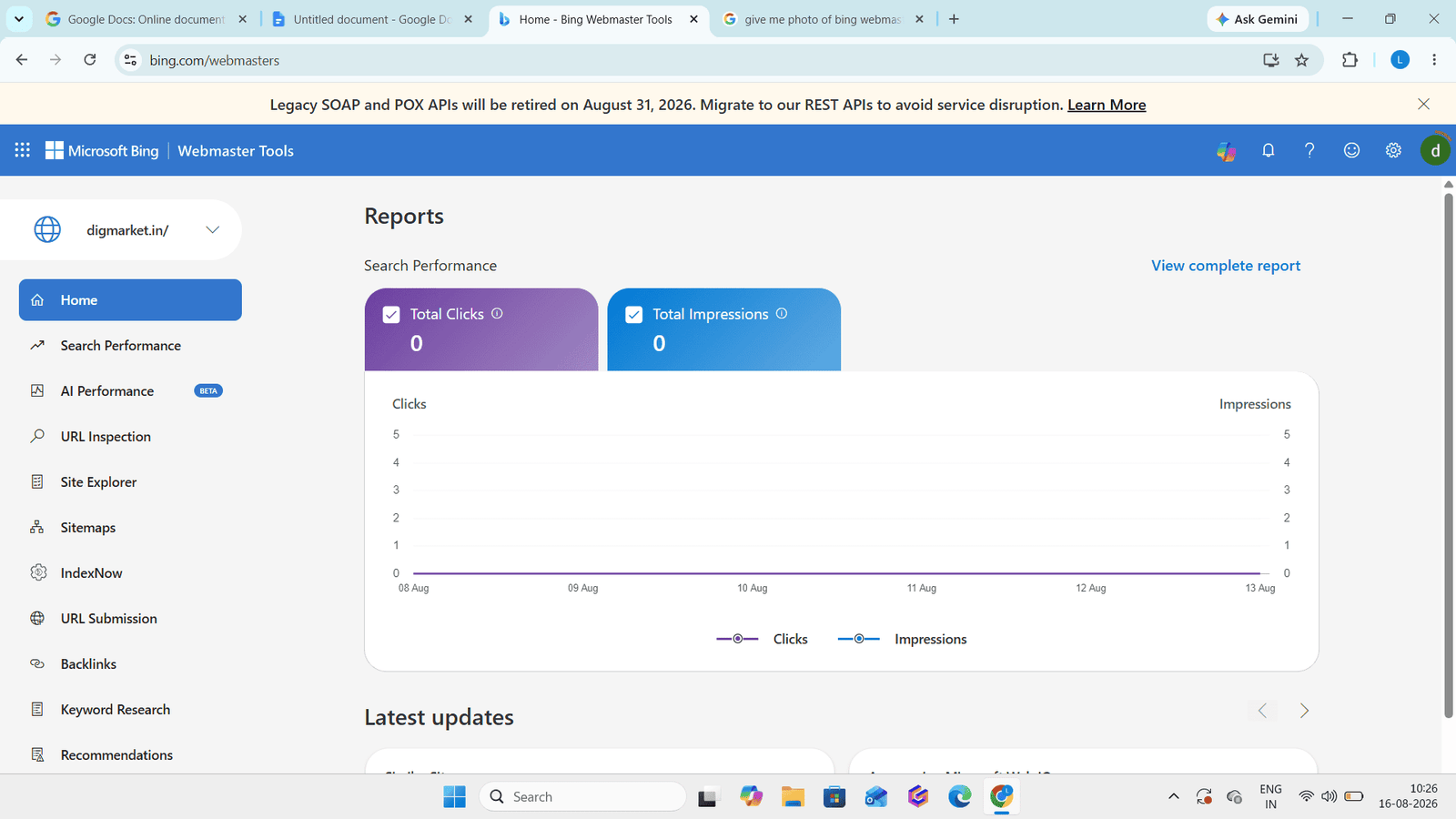
The home option in bing webmaster tools acts as the central mission control dashboard for your website . When you log in or select a verified site , the Home screen provides an immediate snapshot of your website’s overall health, search performance , and critical alerts without requiring you to dig through nested sub-menus.
What is total clicks :- Total clicks in the home section of bing webmaster tools is a high-level performance metric that measures the total number of times users clicks on a link to your website from bing search result. It serves as a key indicator of how much organic traffic Microsoft’s search ecosystem is actively driving to your site.
What is total impressions :- Total impressions measures how many times a link to your website was displayed to users in Bing search results, regardless of whether they clicked it. While Total Clicks tracks actual traffic coming into your site, Total Impressions tracks your raw exposure and potential reach.
What Is Search Performance In Bing Webmaster Tools
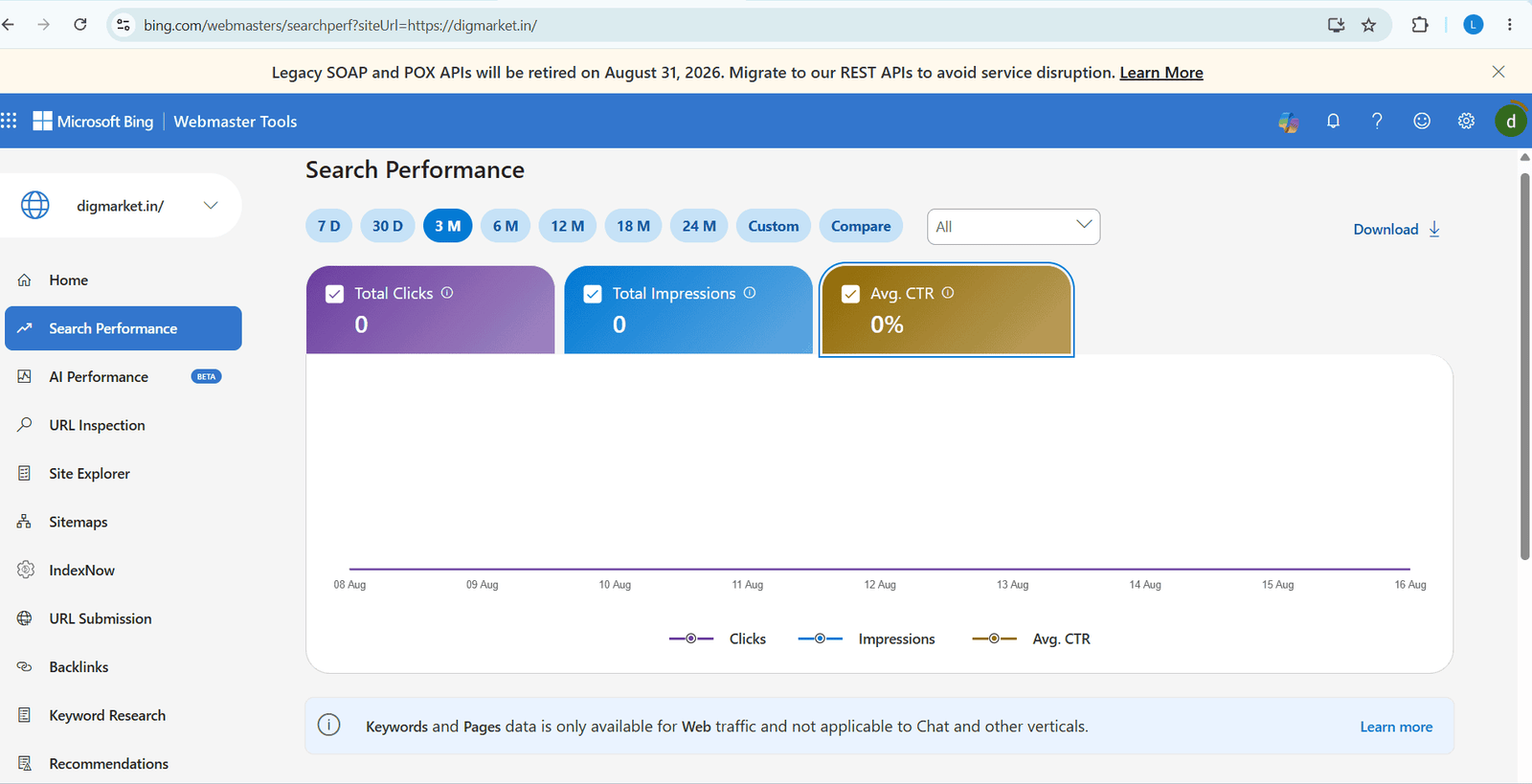
The Search performance report contains information about how well your website is doing on bing search. It shows the pages on your website that are getting clicked, and for which keyword phrases your webpages appear in search results. It also captures the contribution of various traffic sources to your website. You can analyze this data to get useful insights to drive more users to your website, for example:
● Find out on which queries your website is performing well, and once you need to optimise your website.
● Check page-wise performance, and find out which queries are driving traffic to specific pages.
● Examine how visitors reach your website through different traffic sources.
● Assess the effect of various verticals on your website’s traffic.
● Analyse your performance data for (up to) the past six months to see what worked well.
What Is AI performance In Bing Webmaster Tools
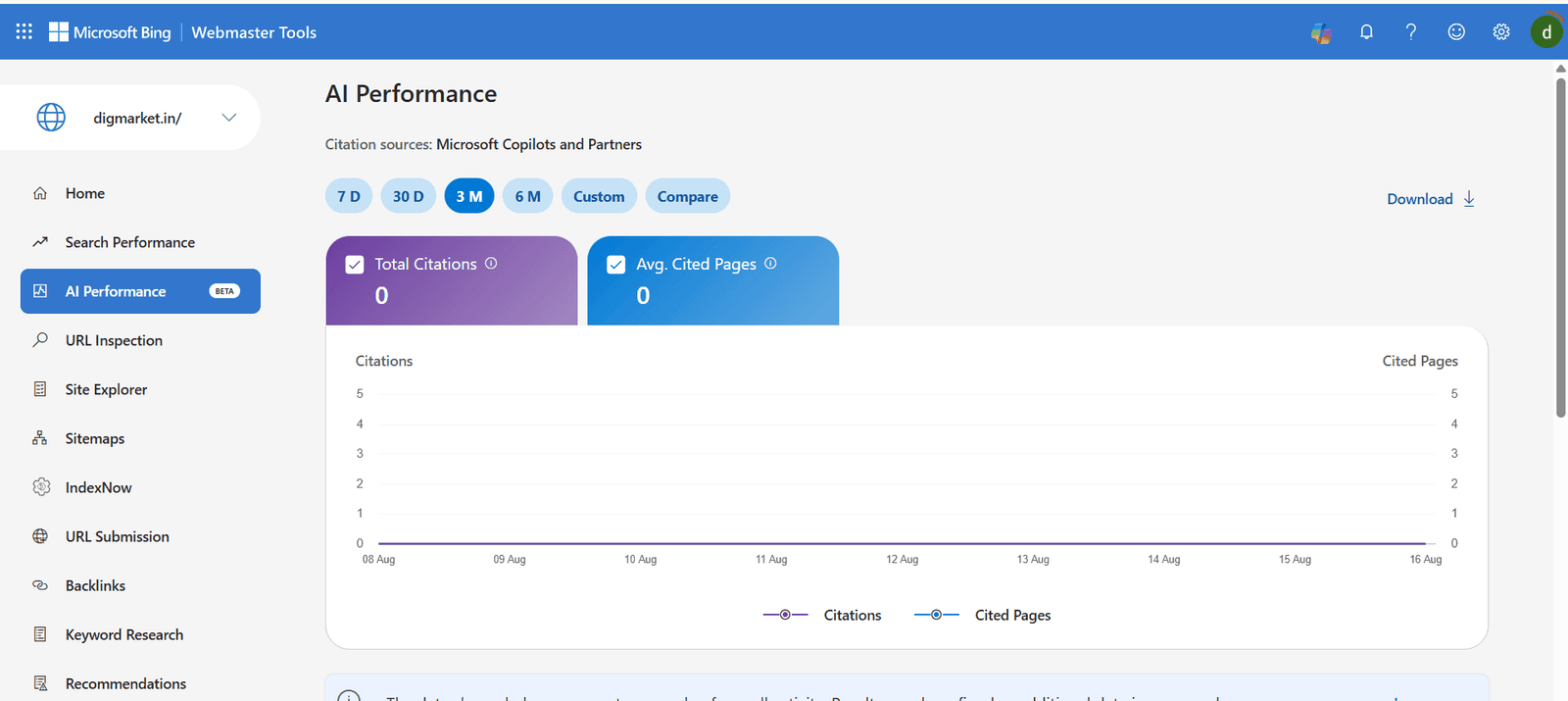
AI performance in Bing Webmaster Tools is a feature that helps website owners understand how their website appears and performs in an AI-powered search experience, such as Microsoft Bing’s AI-generated answer. It helps you see whether Bing’s AI systems are using the website’s content as a source or reference when answering users’ questions.
What can AI performance show?
Depending on the available data for your site, it can provide insights such as:
1. AI citation – Shows when your website is referenced or cited in AI-generated answers.
2. AI visibility – Helps you understand how visible your website is within Bing’s AI answer experience.
3. Pages Cited – Identifies which pages from your website are being used as sources.
4. Search Queries/topics – Gives insight into the types of questions or topics where your content may appear in AI answers.
5. AI traffic/engagement insights – Helps evaluate whether AI-powered search exposure is contributing to visits or engagement.
What is URL Inspection IN Bing Webmaster Tools
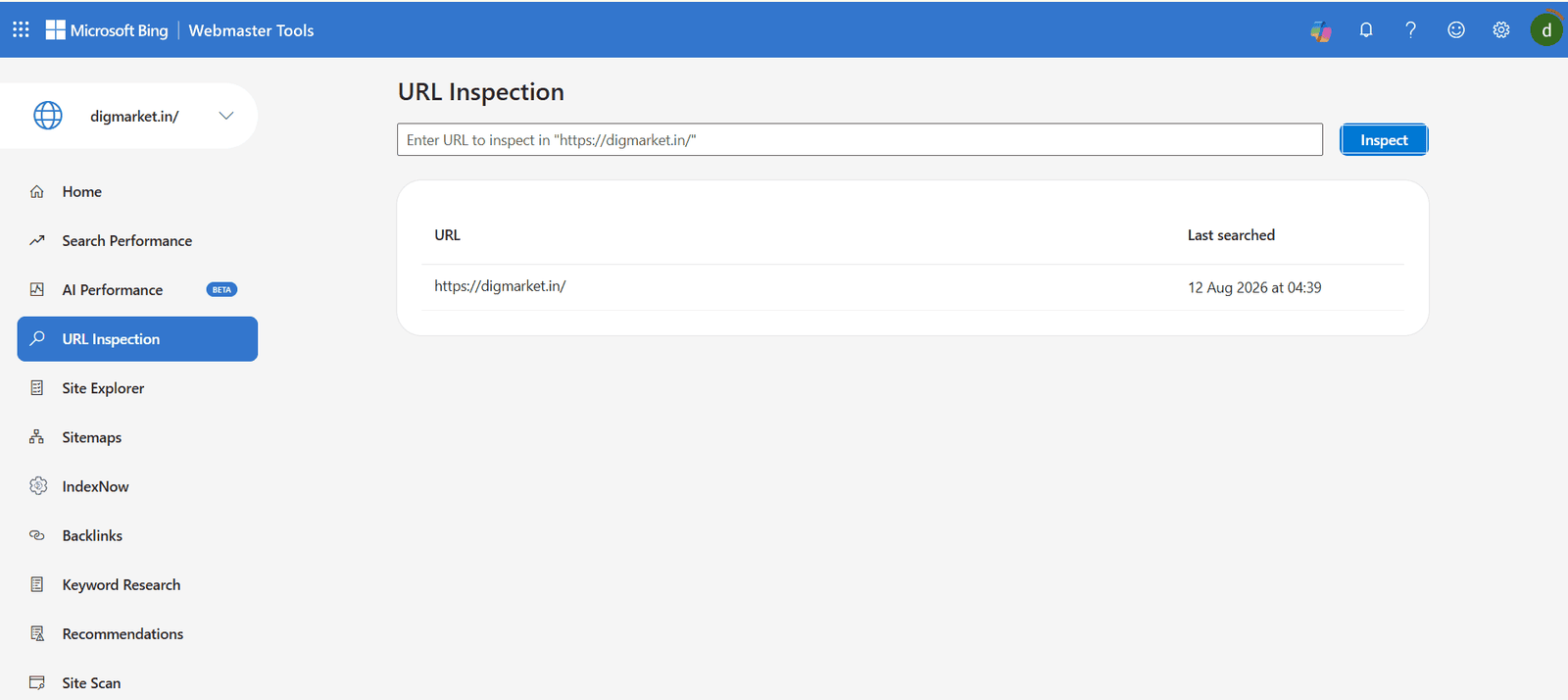
URL Inspection is a feature in Bing Webmaster Tools that allows website owners and SEO professionals to check the indexing status and SEO information of a specific webpage (URL) in Bing. It helps you understand whether Bing can crawl, index, and show your webpage in Bing search results.
What can you check with URL Inspection?
1. Indexing Status – Check whether the URL is currently indexed by Bing.
2. Crawl Information – see whether Bing has successfully crawled the page.
3. Crawl issue – Identify problems that may prevent Bing from accessing the page.
4. SEO Information – Find certain SEO related issues or recommendations for the page.
5. Robots.txt Status – Check whether your robots.txt rules are blocking Bing from crawling the URL.
6. HTTP Status – Check whether the URL is returning a URL that Bing recognises.
7. Canonical Information – Check the canonical URL that Bing recognises.
8. Indexing Request – If appropriate, you can request Bing to crawl/index the URL.
What Is Site Explorer In Bing Webmaster Tools
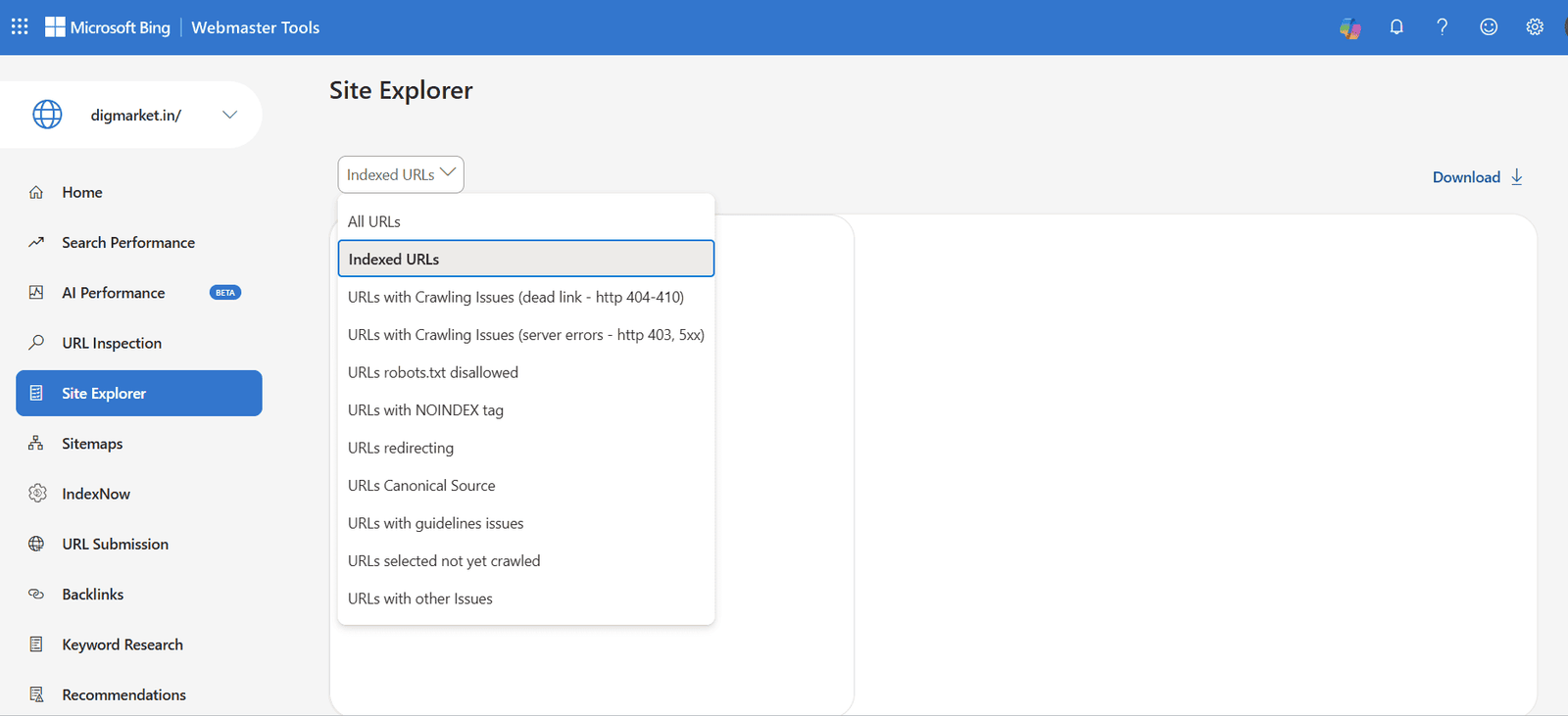
Site Explorer is a feature of Bing Webmaster tools that allows website owners and SEO professionals to explore how Bing sees and organizes the page of their website. It provides a view of your website’s ULRs, folders, indexing, and SEO-related information.The Site Explorer tool provides you ( as webmaster/site owner) a unique view to navigate your site. It helps you to identify and discover insights and issues with URLs, such as redirects, crawl issues, disallowed by robots.txt etc. This tool processes the huge amount of data crawled by Bing, and provides insights into URLs, including the number of clicks, impressions, backlinks etc. – allowing you to spot interesting insights quickly.
As a webmaster you can use various filters options which sort the entire website; use this feature to get deep insight into your site. Filters provided are:
1. Indexed URLs : list of all currently indexed URLs on the site.
2. URLs with crawling issues (deadlinks) – include HTTP 404-410.
3. URLs with crawling issues ( several errors) – includes HTTP 403, 5xx.
4. URLs that are robots. txt disallowed – disallowed from inside by robots.txt.
5. URLs with NOOINDEX tag.
6. URLs that are redirecting.
7. URLs that are canonical sources.
8. URLs with guideline issue – this includes URLs violating spam rules, suspending in latest crawl or low ranked due to issues.
9. URLs selected but not yet crawled – this could include URLs skipped due to temporary issues in Bing . As a webmaster you can request for indexing of URLs from.
What Is a Sitemap in Bing Webmaster Tools
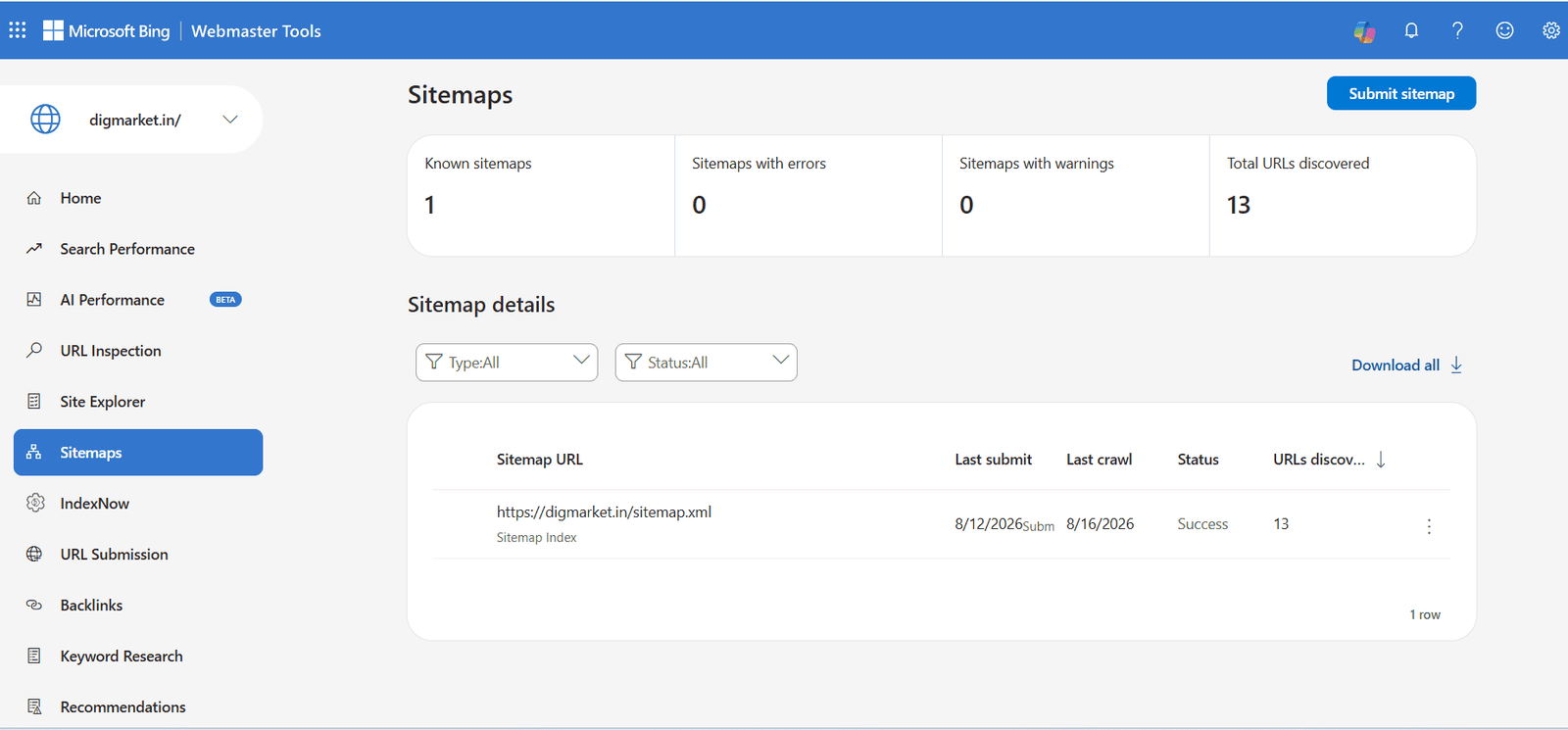
In Bing Webmaster Tools, the Sitemaps feature is a dedicated section where website owners submit and manage XML sitemaps to inform Microsoft Bing about all the crawlable pages on their site. A sitemap acts as a roadmap for search Engine crawlers, telling Bing which URLs exist, when they were last updated, and how frequently they change.
Key functions of the sitemaps feature:
● Sitemap submission : Allow you to submit direct URLs ( such as [https://example.com/sitemap.xml] ) or Sitemap index files so Bing discovers new and updated content faster.
● Crawl & Index Status: Displays real-time status updates on submitted sitemaps, including submission date, processing status, and total URLs discovered.
● Sitemap Index Coverage: Tracks how many submitted URLs have been successfully indexed versus those excluded due to errors ( e.g., canonical tags,404s, or noindex rules.
● Error reporting: Flags parsing issues or blocked URLs inside your sitemaps so you can resolve crawling roadblocks immediately.
What Is IndexNow in Bing Webmaster Tools
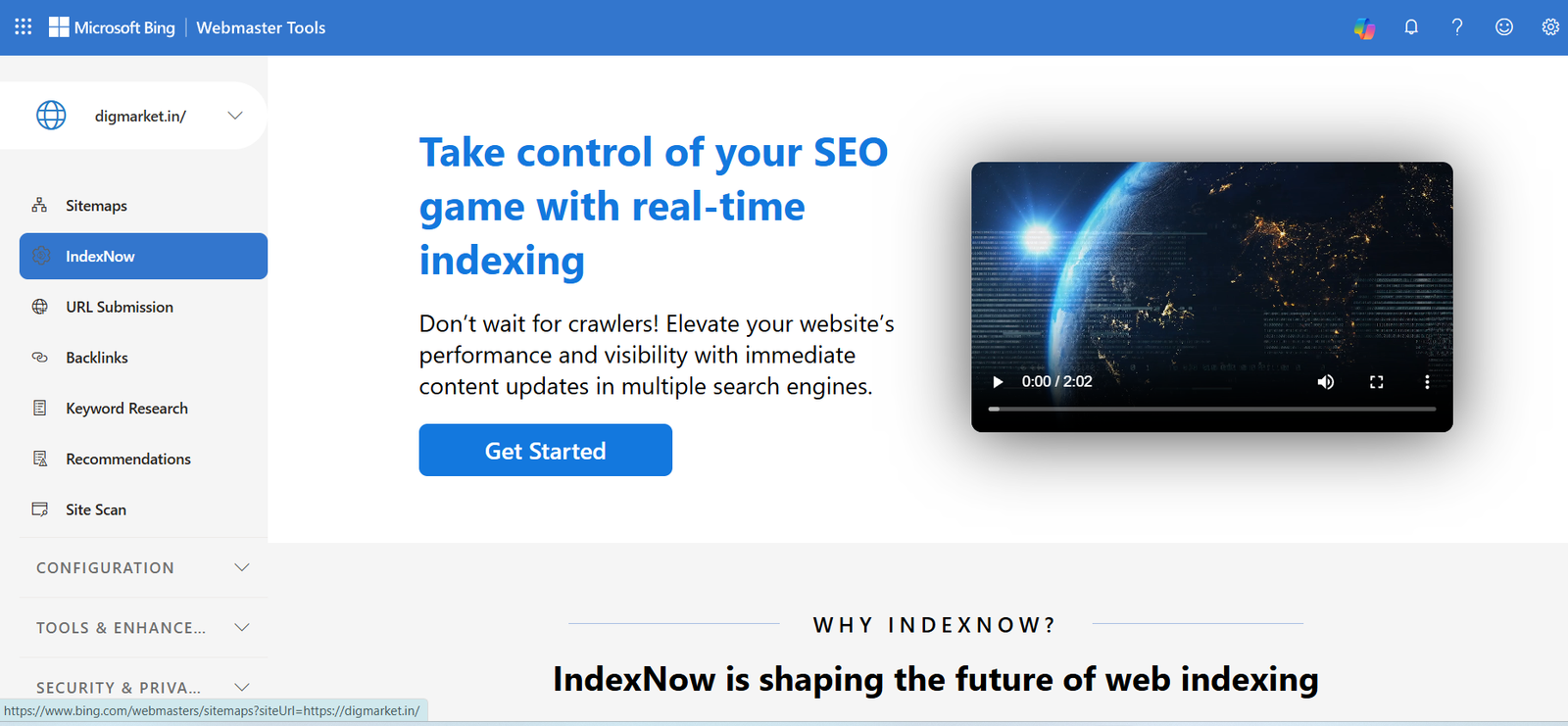
IndexNow is a free, open-source protocol that lets websites notify participating search engines when contact has been added, updated, or deleted. In simple terms, IndexNow is a push signal. Instead of waiting for Bing to recrawl your website on its own schedule, your website can tell Bing that a specific URL has changed. Bing can then prioritise and decide whether to crawl, update, index, or remove that URL.Microsoft says IndexNow helps site owners notify multiple search engines about content changes as soon as they happen. This includes new, updated, and deleted content.
IndexNow is useful for:
● New blog posts.
● Updated SEO pages.
● Product or pricing changes.
● News content.
● Deleted pages.
● Redirected URLs.
● Time-sensitive announcements.
● Large sites with frequent changes.
● Content refresh campaigns.
What Is URL Submission In Bing Webmaster Tools
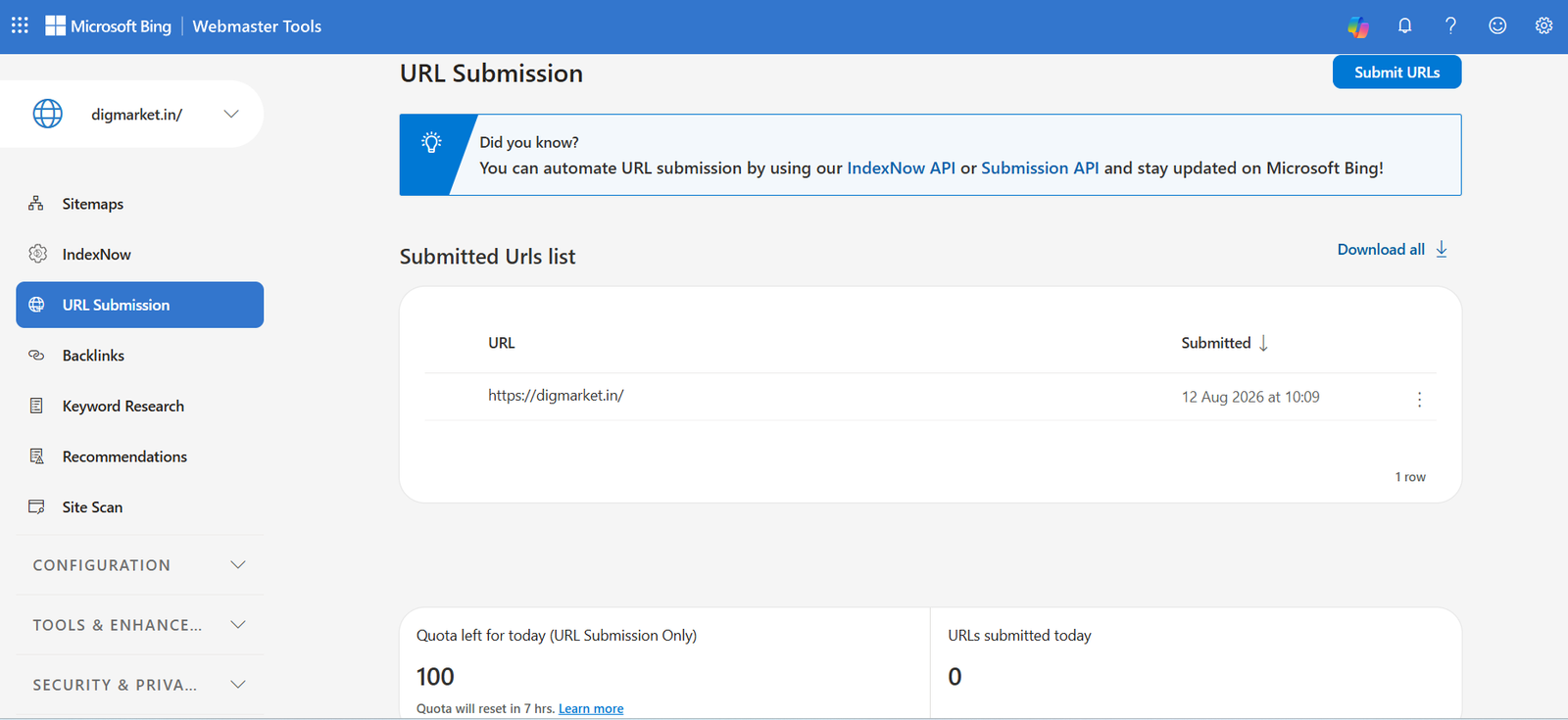
URL submission in Bing Webmaster Tools is a feature that allows website owners to notify Microsoft Bing directly about new or updated webpages so they can be indexed faster. Instead of waiting for Bing’s web crawler (Bingbot) to discover content through traditional link discovery, submitting URLs puts your page directly into the crawling queue.
Core Methods for Submission:
● Submit URL Tool (Manual): A feature within the Bing Webmaster Tools dashboard where you manually paste up to a daily limit of URLs ( typically up to 10000 URLs per day depending on site quota ) to request immediate crawling.
● IndexNow API ( Automated ): An open-source protocol supported by Bing that automatically notifies search engines instantly whenever content is published, updated, or deleted on your site. Many CMS platforms ( like WordPress) support this via plugins.
● Sitemaps: Submitting an XML sitemap provides Bing with a complete map of all your site’s URLs and their updates.
9. What Is Backlinks In Bing Webmaster Tools
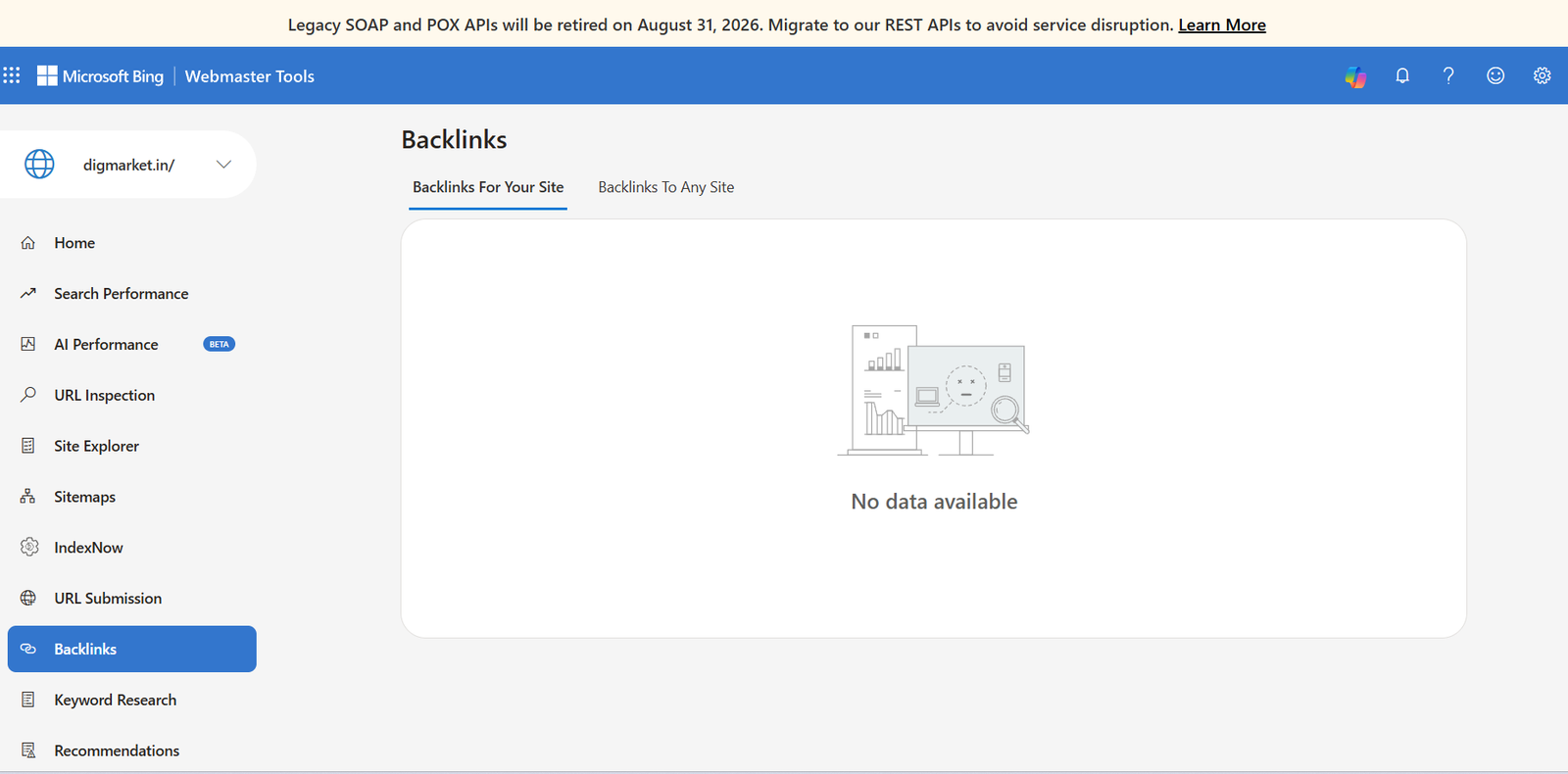
The Backlinks tool in Bing Webmaster Tools is an SEO reporting feature that shows all the incoming links pointing to your website from external domains, alongside backlinks data for your competitors. It is a free SEO feature that shows you all the external web pages pointing links to your website. It helps you analyze your site’s link profile, discover referring domains, and compare your link reach against competitors.
Key Components:
● All Links : Displays your site’s total backlinks profile, broken down by referring domain, referring pages. And top anchor texts used to link to you.
●.Similar Sites (competitor analysis) : Allows you to compare your backlinks profile against up to two competitor websites to identify link gaps and opportunities.
●.Disavow Links : Enable you to upload a list of toxic, spammy, or unnatural incoming links so Bing ignores them when evaluating your search ranking
10. What Is Keyword Research In Bing Webmaster Tools
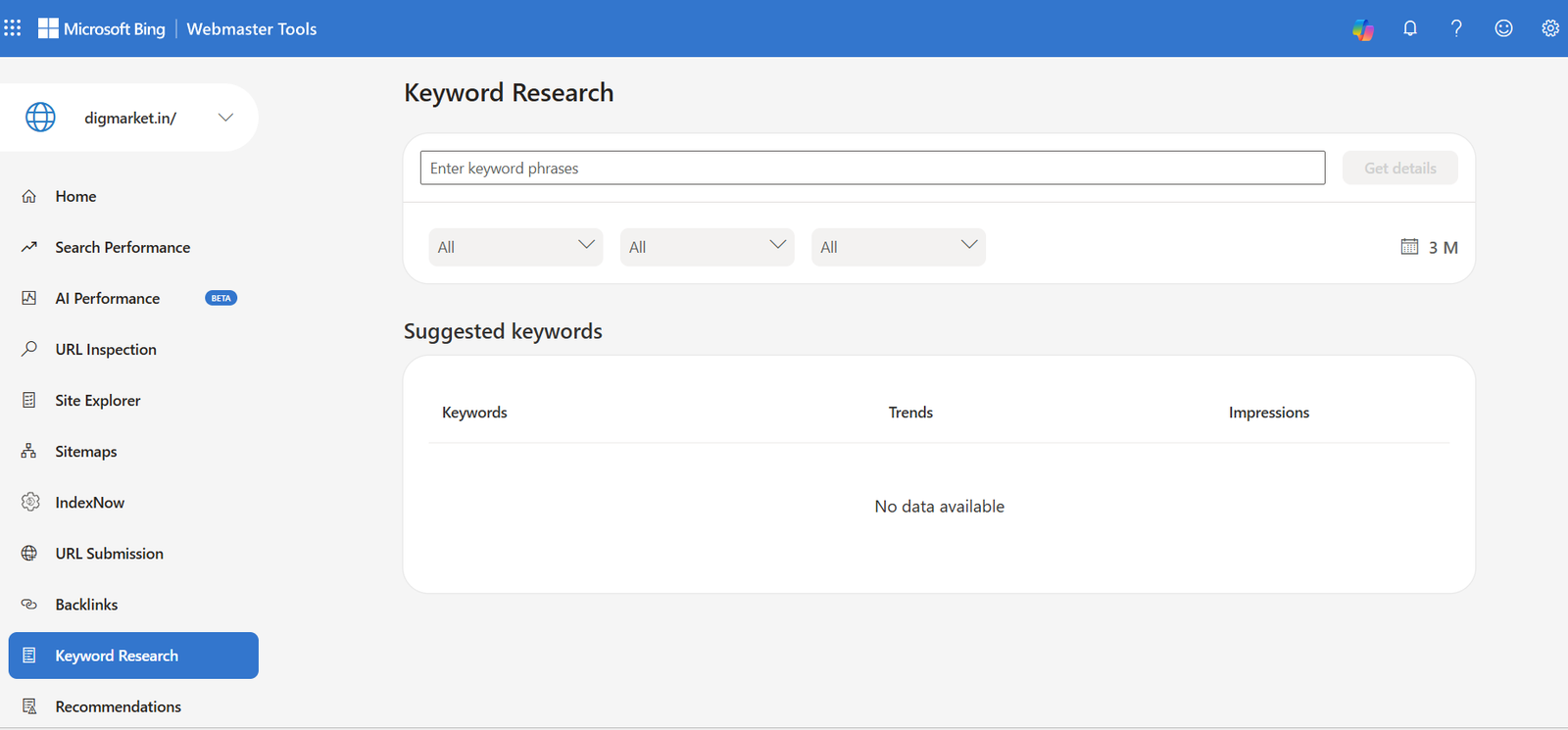
The Keyword research tool in Bing Webmaster Tools is a free SEO discovery feature that pulls search volume and query data directly from organic Bing searches to help you find search terms, use intent, and content opportunities .
Unlike Google, which hides organic keyword data inside Google ADs keyword Planner, Bing provides organic search query data natively inside Webmaster Tools.
Keyword research is the first step for content creators, looking for popular topics trending on the internet to write on. A detailed keyword research allows you to check the phrases and keywords that searches are looking for, and their corresponding search volumes. Higher search volume means more people are looking for information on that topic and creating content on that topic is a smart way to attract traffic to your site.
The Keyword research tool is specially designed to assist webmasters and content creators with their tasks. The tool gives you keyword ideas and sets of associated trends – reflecting how those volumes have changed over time. It segregates keywords to show the lists of questions that these keywords have appeared in if any.
Content creators can use the details as input while writing the content . Bing indexes and ranks unique, high – quality content that is well-researched and relevant to searchers. We recommend that you focus on creating content around your area of expertise, rather than just focusing on top trending topics.
11. What Is Recommendations In Bing Webmaster Tools
The Recommendation feature in Bing Webmaster Tools provides personalized and prioritised guidance to help you focus on the most impactful tasks that support your site’s visibility and discoverability across Microsoft search and AI experience. These insights are based on established search optimization best practices and can help you identify opportunities to improve page quality and strengthen how your content is surfaced.
Recommendations are generated automatically and refreshed at regular intervals. Reports are created only for sites that you added and verified in your Bing webmasters tools account, using the pages Bing has Indexed from those sites.
12. What Is Site Scan In Bing Webmaster Tools
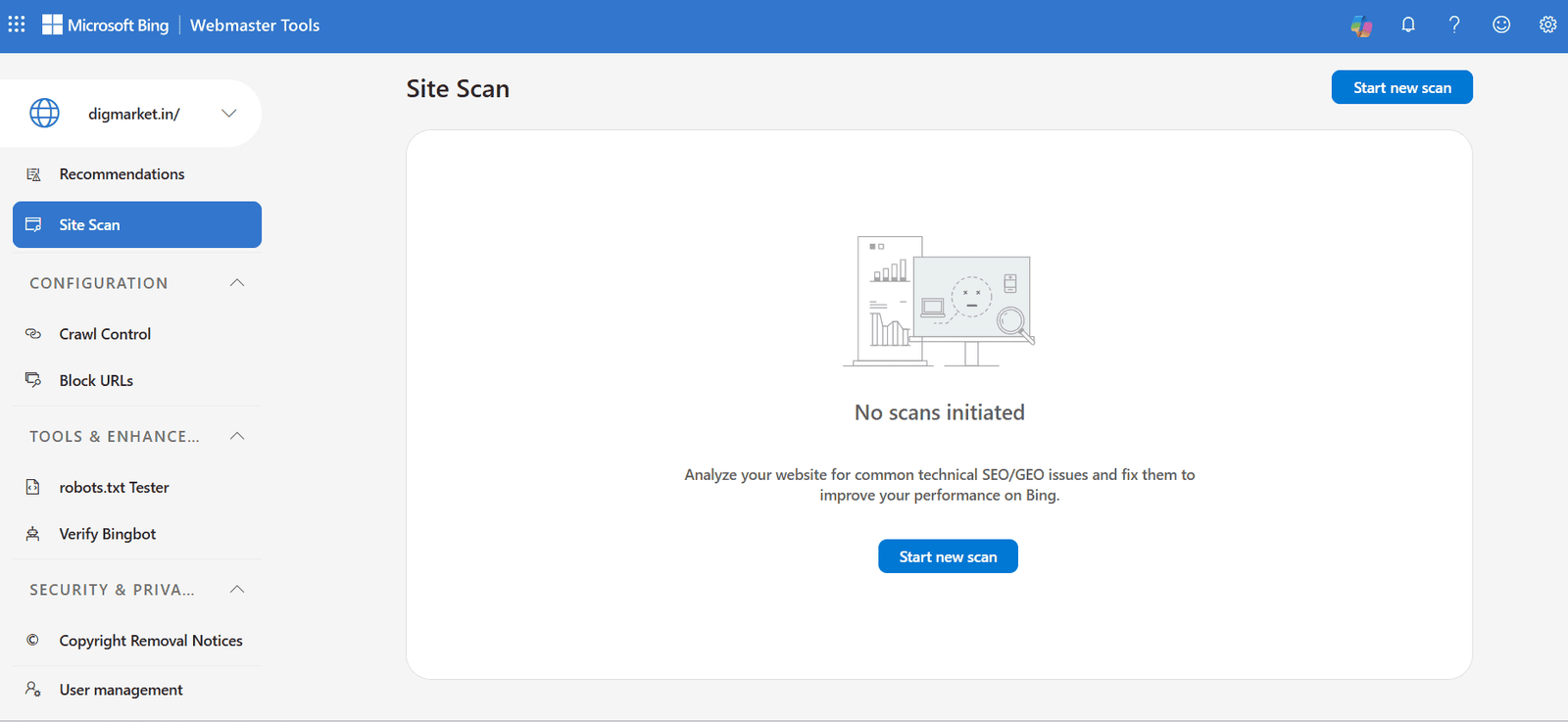
Site Scan in Bing Webmaster Tools is an on-demand site audit tool that crawls your website to identify technical SEO issues, performance bottlenecks, and compliance errors.
Unlike regular automatic search engine indexing, Site Scan runs on your command, analysing your web pages against standard webmaster guidelines and generating actionable diagnostics to improve site health across search engines.
Site Scan in Bing Webmaster Tools is a website audit feature that crawls up to 10,000 pages on your site to detect common technical (SEO) and GEO issues. Fixing these identified errors and warnings helps improve your site’s performance and visibility across Bing and other major search engines.
13. What Is Crawl Control In Bing Webmaster Tools
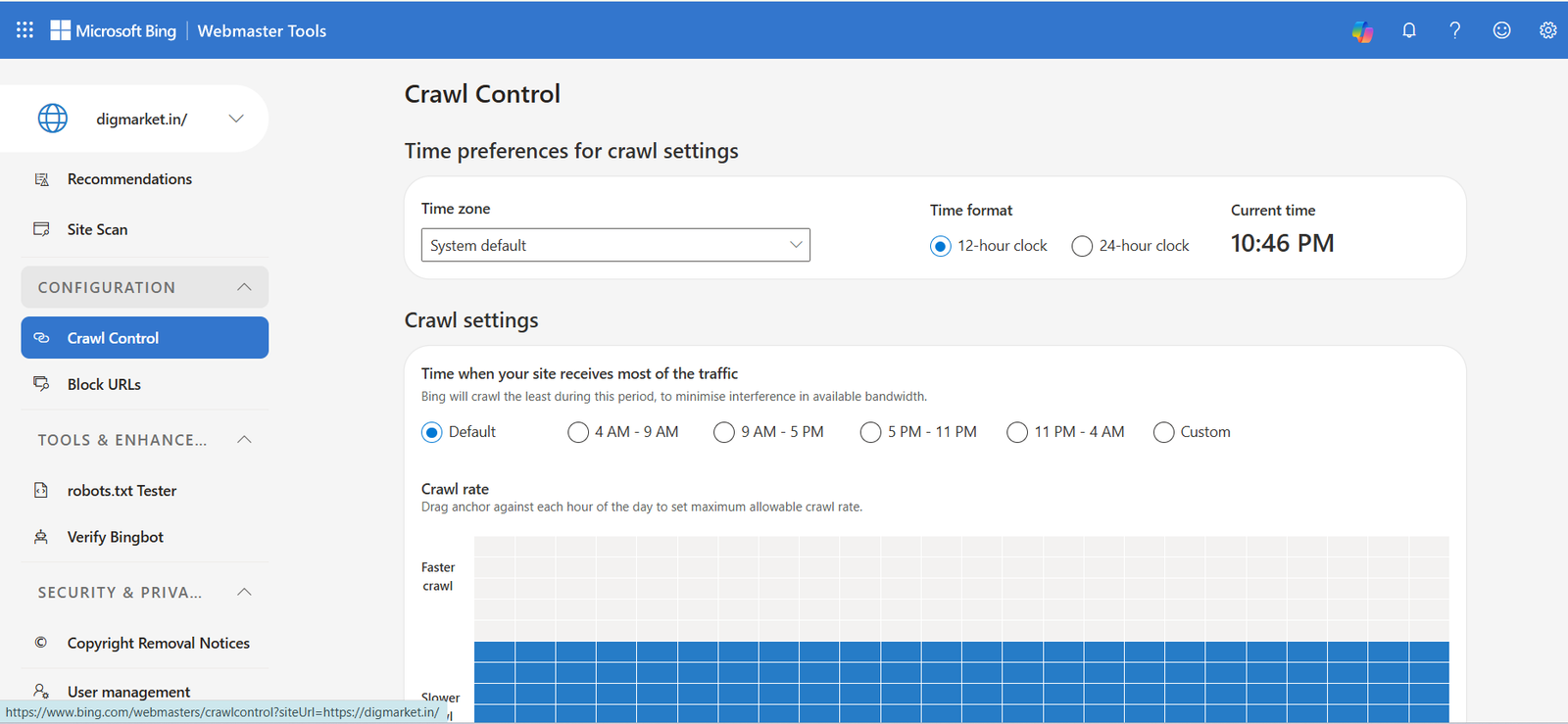
Crawl control is a feature in Bing Webmaster Tools that lets you manage the speed and frequency at which Bingbot requests pages and resources on your website. It acts as a rate limiter, helping you prevent search engine crawlers from overloading your web server during peak visitor traffic hours. Crawl Control is a feature that allows site owners to manage the frequency and timing of Bingbot’s visits to their website.
Unlike Google Search Console, which largely Automates crawl speed, Bing gives manual control over the request rate for every single hour of a day.
14. What Is Block URL In Bing Webmaster tools
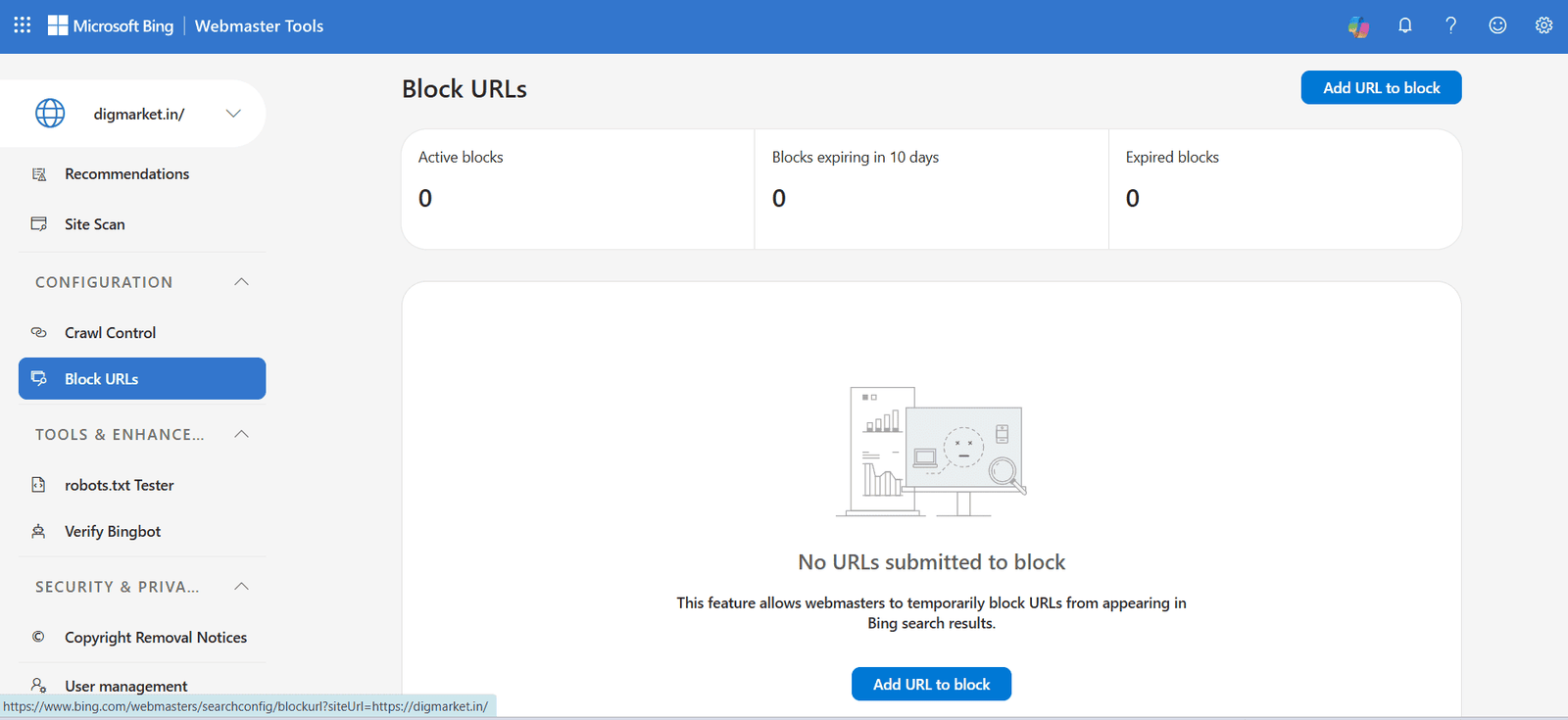
If you manage a website and need to quickly hide a page from Bing or Copilot search results, the block URLs tool allows you to temporarily prevent URLs from appearing while you make permanent changes. Only site owners and webmasters can block URLs using Bing Webmaster Tools. If you are not the site owner, you must contact the site owner to request removal or use the content removal Tool when applicable.
Blocking a URL does not remove it from the Bing index permanently. The block expires after 90 days unless you extend it or apply a permanent removal method.
15. What Is robots.txt Tester In Bing Webmaster Tools
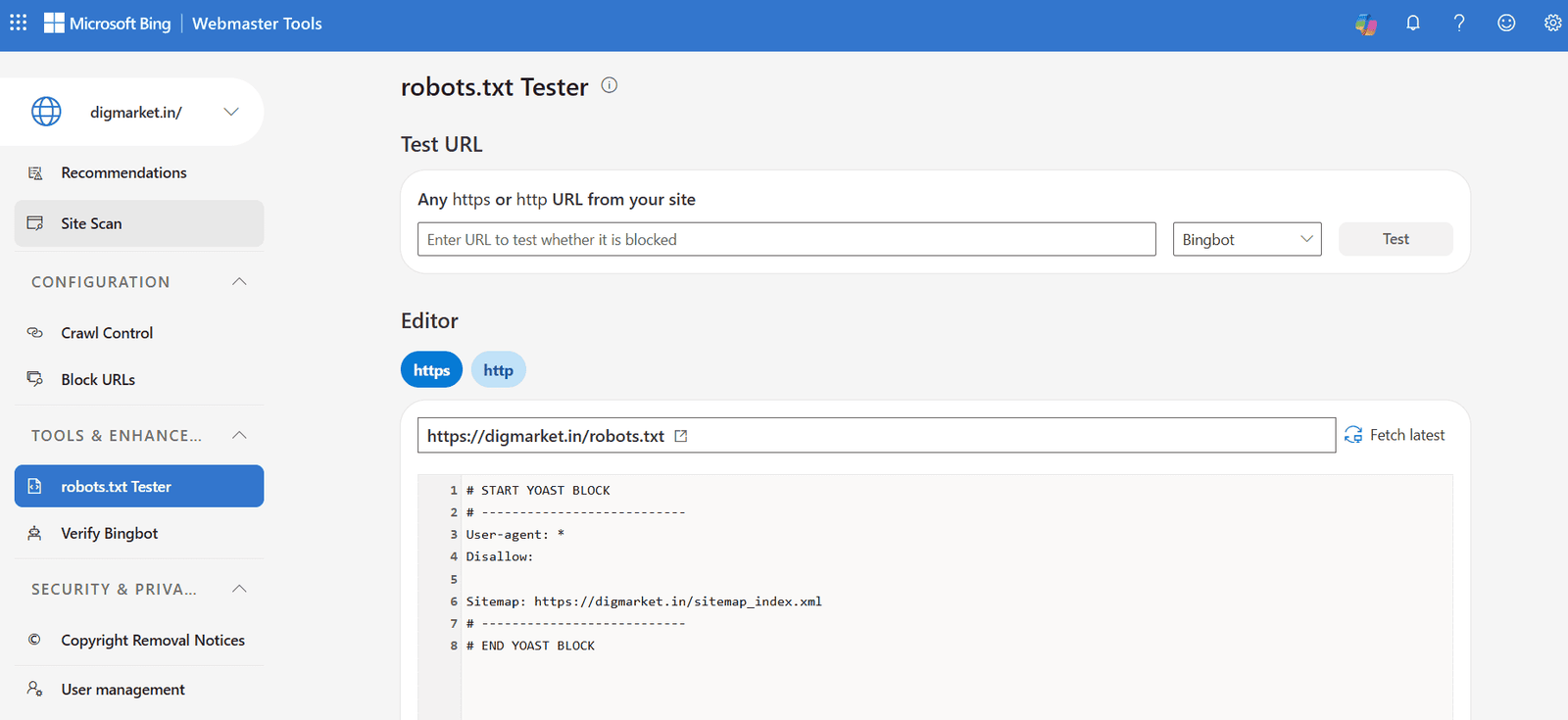
The robots.txt tester in Bing Webmaster Tools is a diagnostic tool that lets webmasters analyse, validate, and test their robots.txt files. It simulates how search crawlers see your site, helping you check whether specific URLs are blocked or allowed from crawling.
The robots.txt tester is a diagnostic and editing tool that helps website owners verify how Bing’s web crawlers (such as Bingbot and BingAdsBot) interpret their site’s robots.txt file. It allows you to test whether specific URLS on your domain are allowed or blocked from being crawled.
16. What Is Verify Bingbot In Bing Webmaster Tools
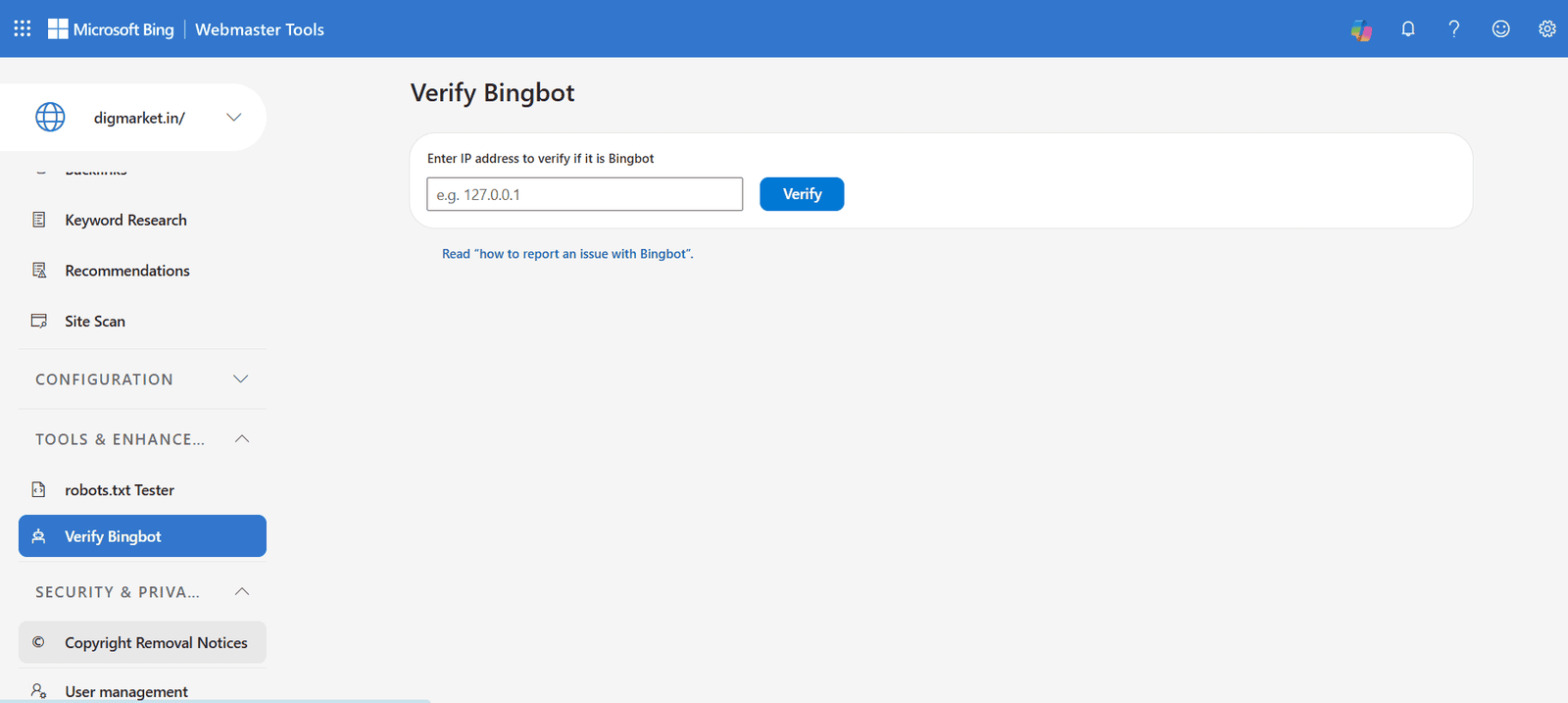
The Verify Bingbot tool in Bing Webmaster Tools is a security and Diagnostic feature that lets website owners check whether an incoming IP address in their server logs actually belongs to Microsoft’s web crawler (Bingbot) or to a malicious actor spoofing its identity.
The Verify Bingbot tool provides direct IP verification to distinguish genuine Microsoft crawlers from impersonators.
17. What Is Copyright Removal Notices In Bing Webmaster Tools
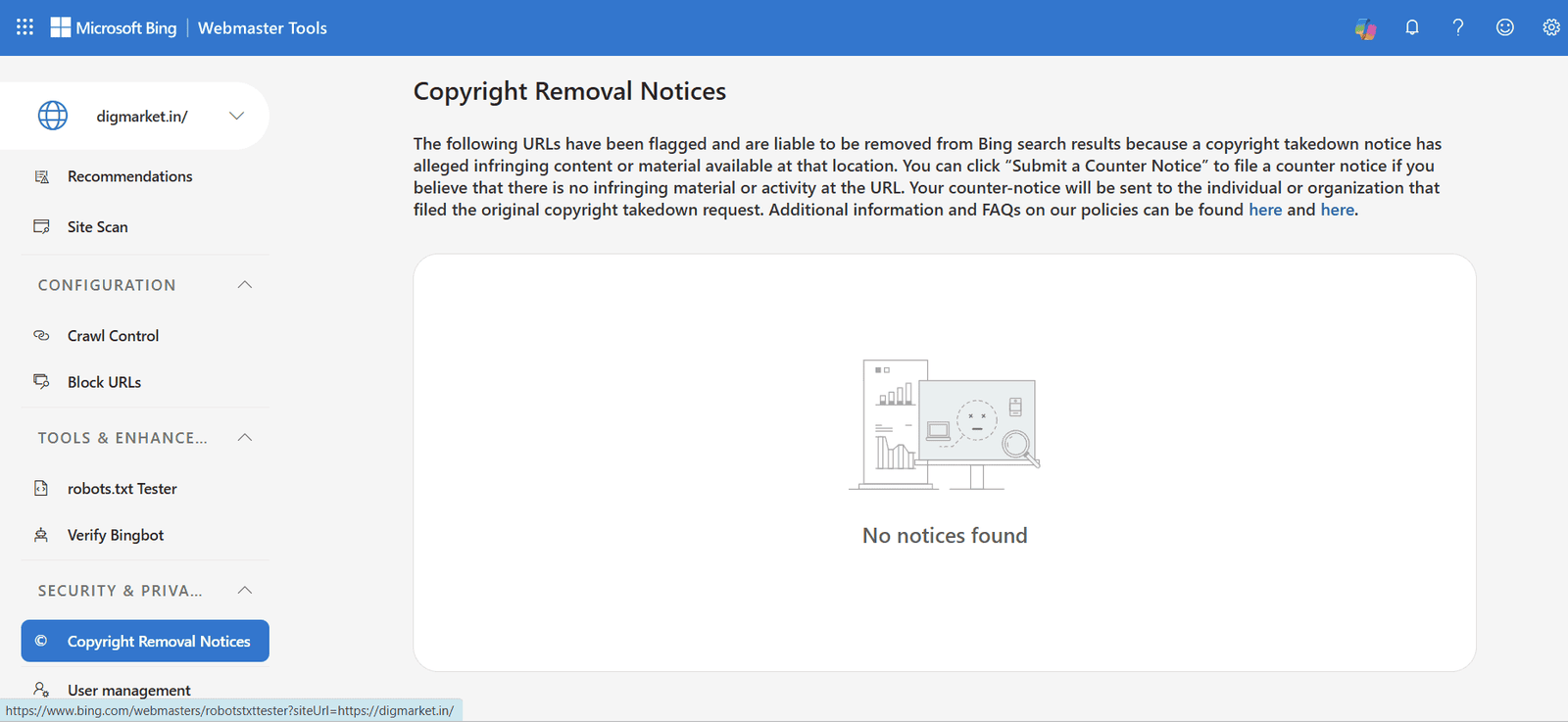
The Copyright Removal Notices tool in Bing Webmaster Tools is a transparency and appeals feature that notifies site owners when third parties submit Digital Millennium Copyright Act ( DMCA) or intellectual property takedown complaints targeting their content.
If Bing receives a valid legal request alleging that pages on your site contain stolen or unauthorised material, those pages may be removed or de-indexed from Bing Search results. This tool gives you insight into those removal claims and provides a formal path to contest them.
18. What Is User Management In Bing Webmaster Tools
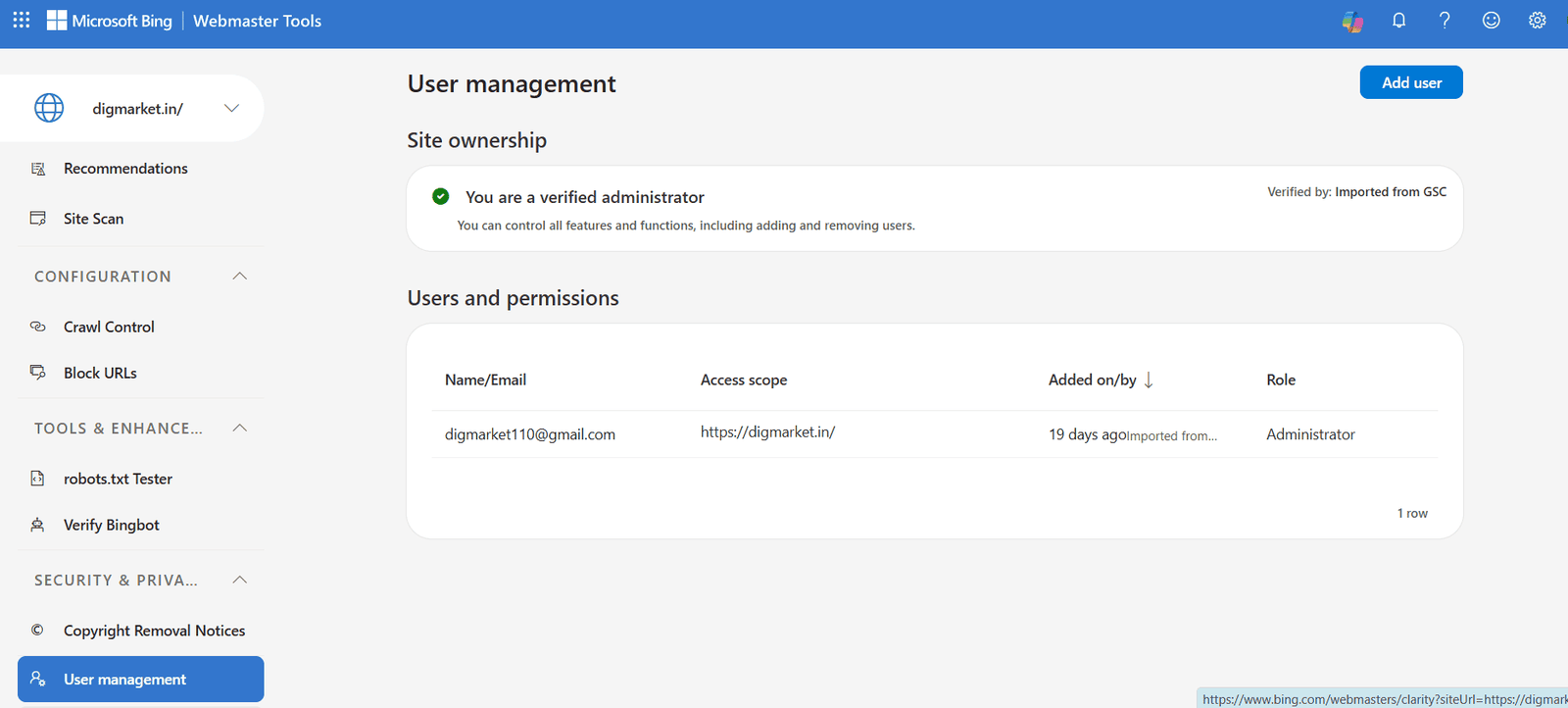
User Management in Bing Webmaster Tools is an administrative dashboard that lets verified site owners grant, modify, or revoke access to their site’s data and controls for other team members, SEO specialists, or outside agencies – without sharing login credentials or verification meta tags.
19. What is Microsoft Clarity In Bing Webmaster Tools
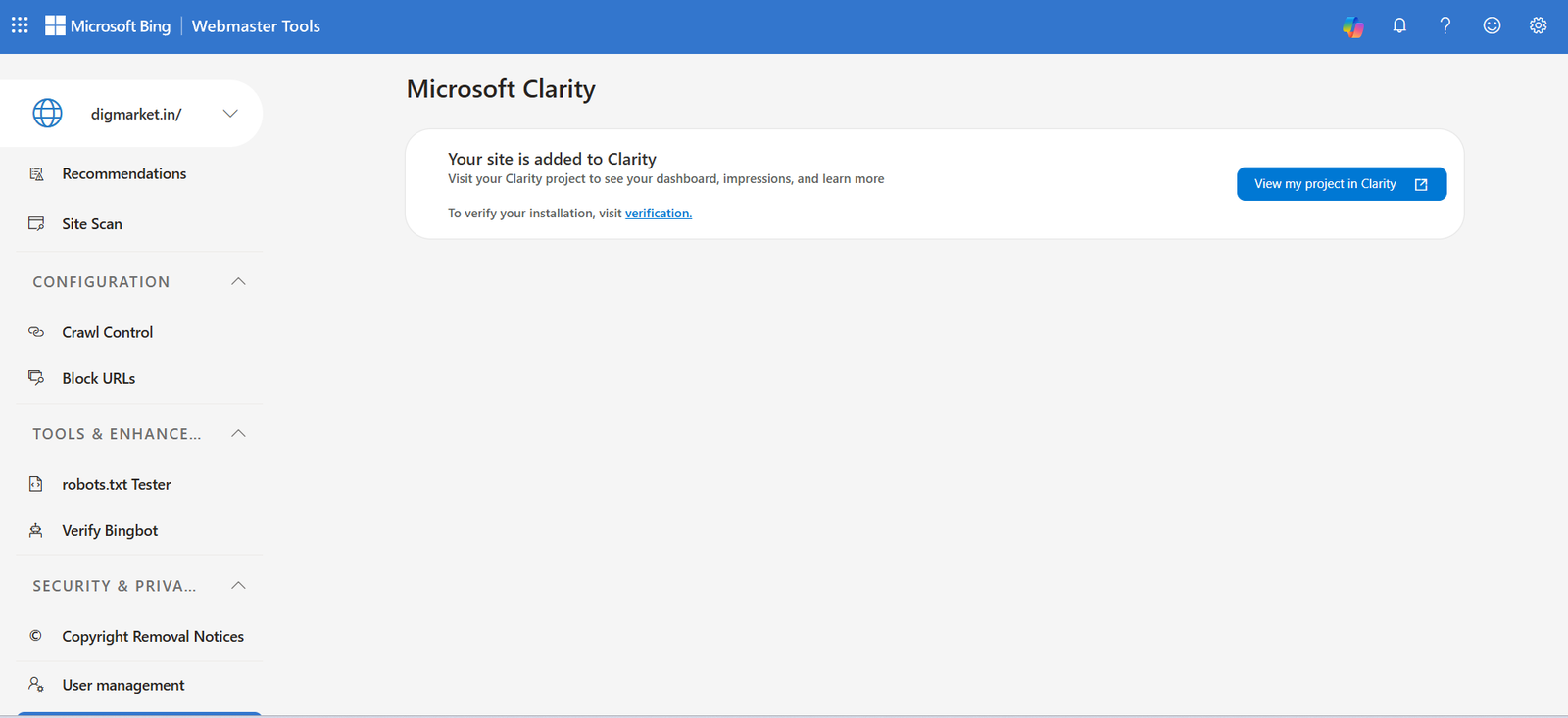
Microsoft Clarity in Bing Webmaster tools is a free behavioral analytics integration that helps website owners understand how users interact with their site through heatmaps, session recording, and engagement metrics.
While Bing webmaster Tools focuses on technical SEO and indexation (how search engines see your site), Microsoft Clarity focuses on user experience (how actual humans navigate your site).